
No free hand to answer messages during a service
Put your booking link in your Instagram bio, messages or an in-store QR card. Customers can choose a service and time without waiting for you to list every opening.
One customer needs two hours for colour; another only wants a haircut. Beauty treatments have different preparation needs too. BookingYou brings services, durations and bookings together. Customers request a suitable time, and you confirm it around the day’s schedule.
Free core features · No commission · iOS / Android

Beauty & hair salons
Put your booking link in your Instagram bio, messages or an in-store QR card. Customers can choose a service and time without waiting for you to list every opening.
Create separate services with their own durations and prices. This helps prevent a vague request for “hair” from taking an unsuitable time slot.
After agreeing a phone or walk-in appointment, add it on the customer’s behalf and check the day’s bookings in the same calendar.
Web requests start as pending. Read the notes before confirming and contact the customer if needed to clarify the service and check that the time is suitable.
01 / Customer bookings
Customers open your link, review haircut, colour consultation or treatment durations and prices, then choose the service they need.
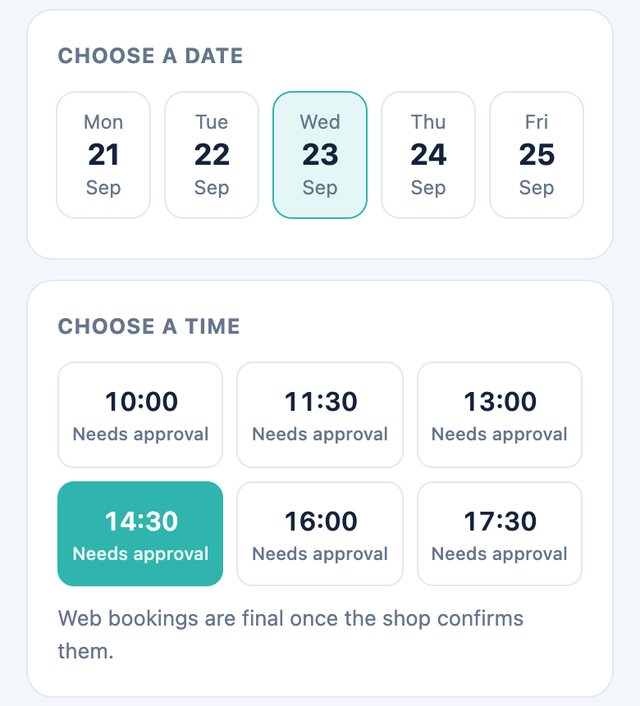
Choose an available slot and enter a name, phone number and optional note. For example, mention a colour consultation so you can understand the request before confirming.
A web request is not confirmed immediately. Customers keep their personal booking link to check its status or cancel using the options on that page.
02 / Merchant management
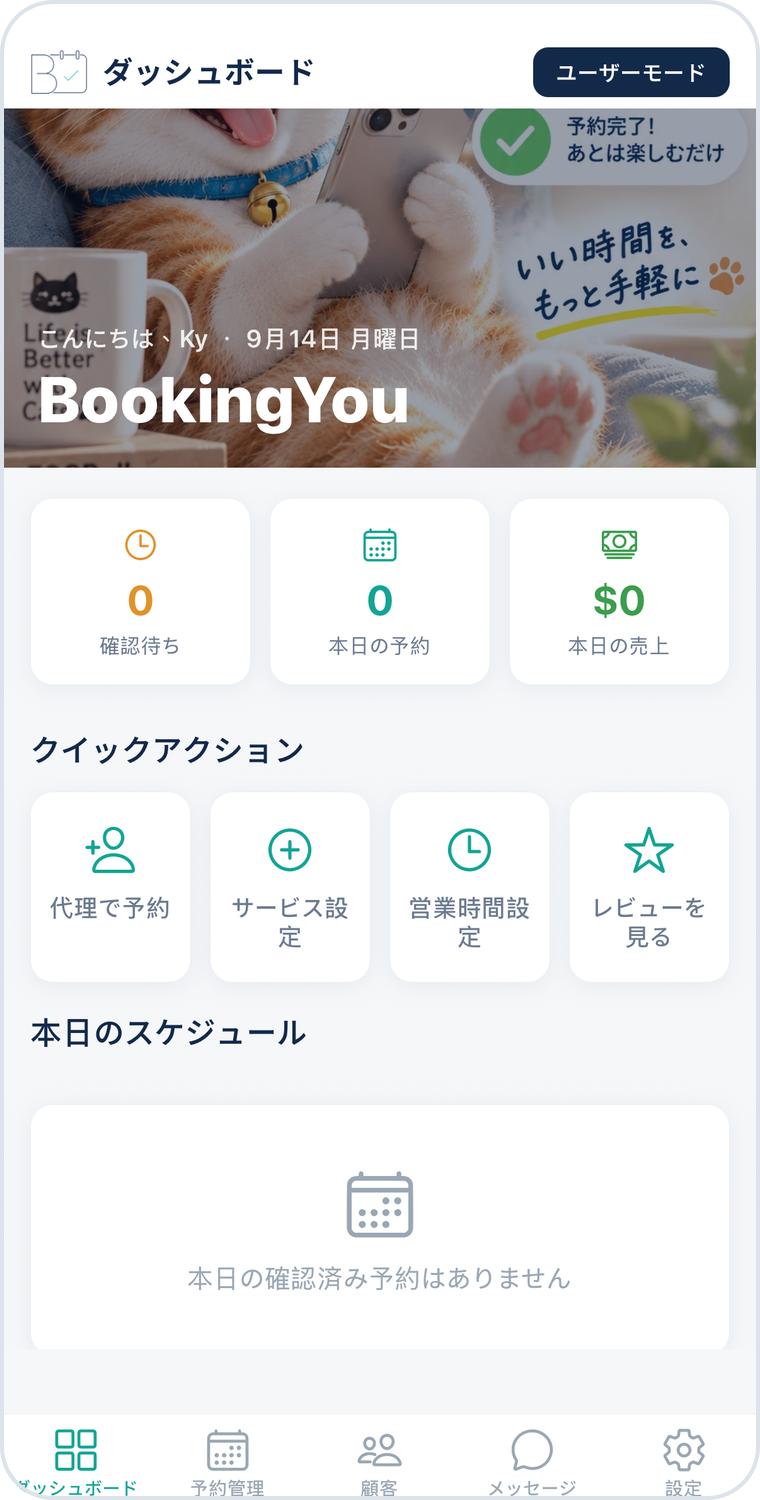
Review new requests in the pending list, checking the service, date, time, customer details and notes without matching everything back to private messages.
Check the day’s confirmed appointments, then assess staff, seats and treatment preparation. Contact the customer first if anything is unclear.
View confirmed appointments in the booking list or calendar. Reschedule when a customer needs a different time and mark the booking completed after the service.
45 minutes
State whether washing and styling are included to avoid surprises on arrival.
30 minutes
Offer a consultation first when hair condition or a quote needs to be assessed.
90 minutes
Allow for welcoming the customer, preparation and cleaning when setting the time you can offer.
Service names and durations above are setup examples, not industry standards or real shop details. Adjust them to allow for the service, preparation and cleaning.
This workflow centres on services, time slots and merchant confirmation. The shop must confirm staff, seats and rooms; an available slot does not mean these resources have been assigned automatically.
Create a consultation service first, or explain pricing conditions in the service description. Check the customer’s needs before confirming the full service instead of using one duration for every colour appointment.
When the merchant enables web booking, customers can submit a request in a browser without downloading the app or registering. Merchants review and confirm bookings in the BookingYou app.
Download BookingYou, register your business, add services, set opening hours and share your booking link. Free core features, with no booking commission.