
Parents ask about subjects, then exchange more messages about times
Create services by subject or course type with clear levels and durations, so parents choose the right lesson before selecting a time.
Parents book trials for their children, students change make-up lesson times, and teachers need room to prepare. BookingYou brings each lesson request and its status together, so you can check the subject, level and time before confirming.
Free core features · No commission · iOS / Android

Tutoring & teaching
Create services by subject or course type with clear levels and durations, so parents choose the right lesson before selecting a time.
Ask parents to note the student’s year level or what they want to explore. Review this before confirming and contact them if more detail is needed.
Reschedule within the same booking and add make-up sessions agreed by phone, keeping students and dates easy to check together.
Set each session’s capacity to reflect the number you can teach, and reserve preparation, breaks and classroom reset time.
01 / Customer bookings
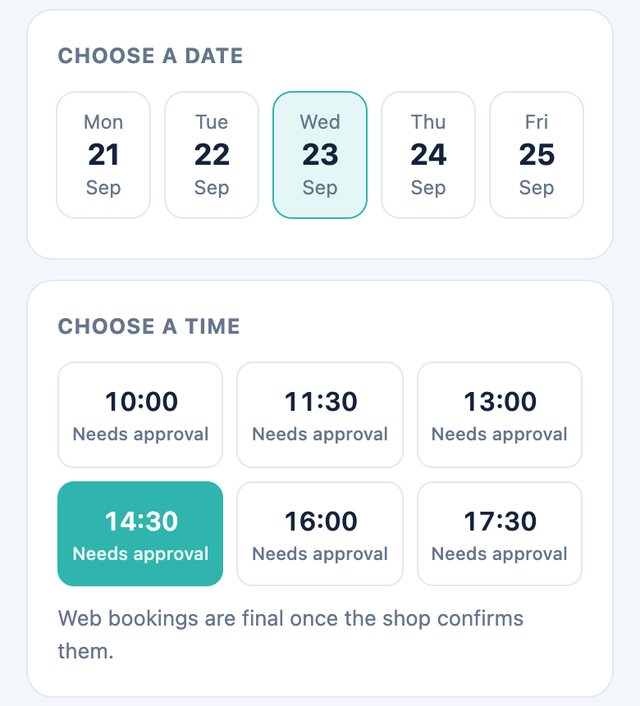
Open the teacher’s or studio’s link, choose a service by subject, level or trial type, then view available dates.
Enter a name and contact number. Parents booking for a child can add the student’s name, year level and general learning needs in the notes, without unrelated personal information.
Wait for the teacher to confirm after submitting. Keep the booking link and coordinate with the teacher first if a make-up lesson or time change is needed.
02 / Merchant management
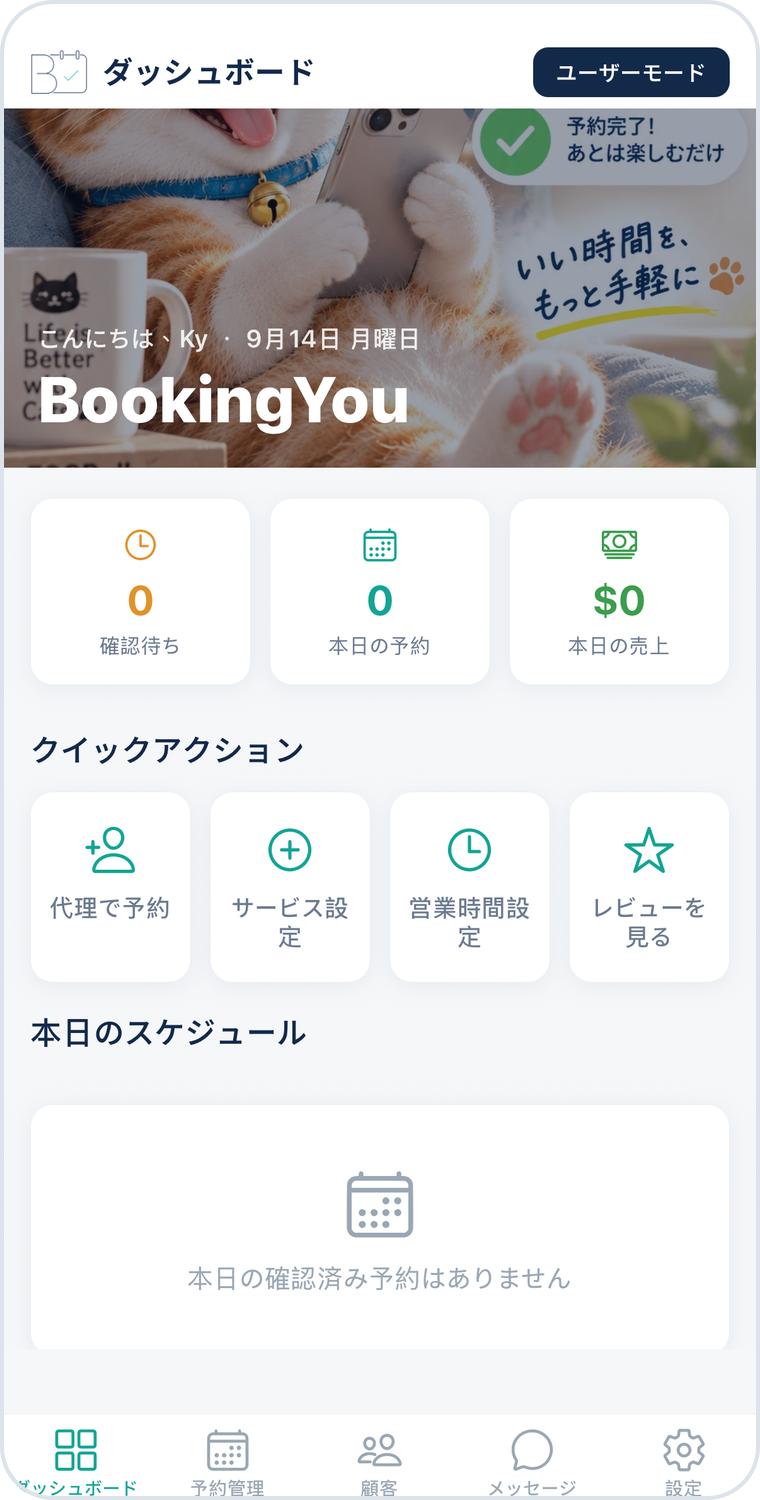
The merchant booking list shows the service, time, contact person and notes. First distinguish trials, regular lessons and other session types.
Check the subject, student’s level, class capacity and classroom availability. Contact the parent for any missing details before confirming the request.
Review confirmed lessons each day. Check the new date after rescheduling, then mark taught lessons completed for later reference.
30 minutes
State the suitable year level, subject and trial format.
60 minutes
Distinguish subjects or courses so parents choose the right service.
90 minutes
State the level and capacity, and confirm the actual classroom and teaching arrangements.
Service names and durations above are setup examples, not industry standards or real shop details. Adjust them to allow for the service, preparation and cleaning.
A parent can submit a web request as the contact person and add the student’s name or year level in the notes. The teacher checks the actual lesson arrangements when confirming.
This page covers lesson bookings and scheduling, not grades, homework, attendance reporting or tuition fee management. Handle those records separately through your teaching process.
This workflow is based on individual bookings. Create and confirm regular lessons on agreed dates one at a time; one request does not automatically schedule the entire term.
Download BookingYou, register your business, add services, set opening hours and share your booking link. Free core features, with no booking commission.