
Every client asks whether tonight is available
Share your booking link so clients can view the hours you have opened before submitting a request, reducing repeated lists of available times.
Trials, regular training and small-group sessions need different capacities and arrangements. Working across locations also takes travel time. BookingYou lets clients submit their own requests, then you check the day’s timetable and confirm, leaving more room to discuss their training.
Free core features · No commission · iOS / Android

Personal trainers
Share your booking link so clients can view the hours you have opened before submitting a request, reducing repeated lists of available times.
Create separate services for session types and set capacity to match what you can deliver. Check venue and class arrangements before accepting group requests too.
Block travel, preparation and rest time. Only offer hours you can realistically reach and teach.
Reschedule within the same booking and check the latest session in the calendar. Web customers can revisit their personal link to check the status.
01 / Customer bookings
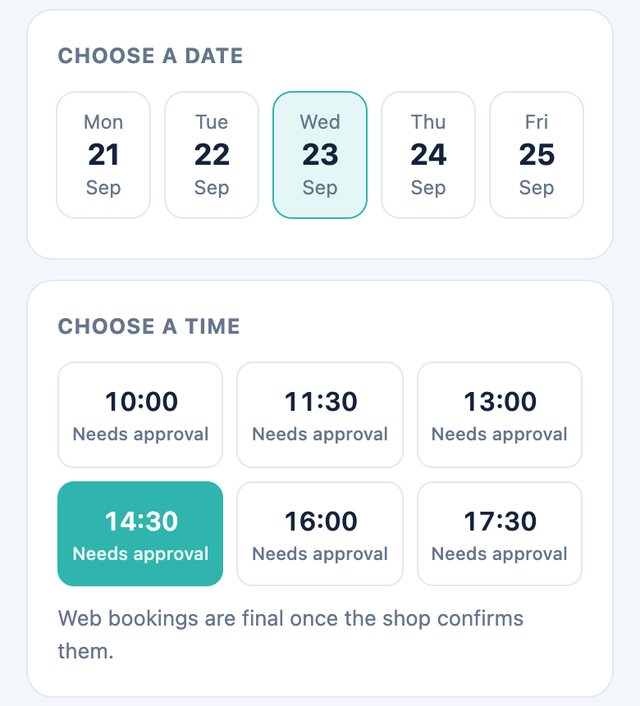
Clients open the link, check service and location details, duration and price, then choose the session they need.
Choose a date and available slot, then enter a name and phone number. Notes can mention a first visit or general training goals to help the coach prepare.
Web bookings require the coach’s confirmation. Keep the booking link to check its status. Contact the coach first if the time needs to change.
02 / Merchant management
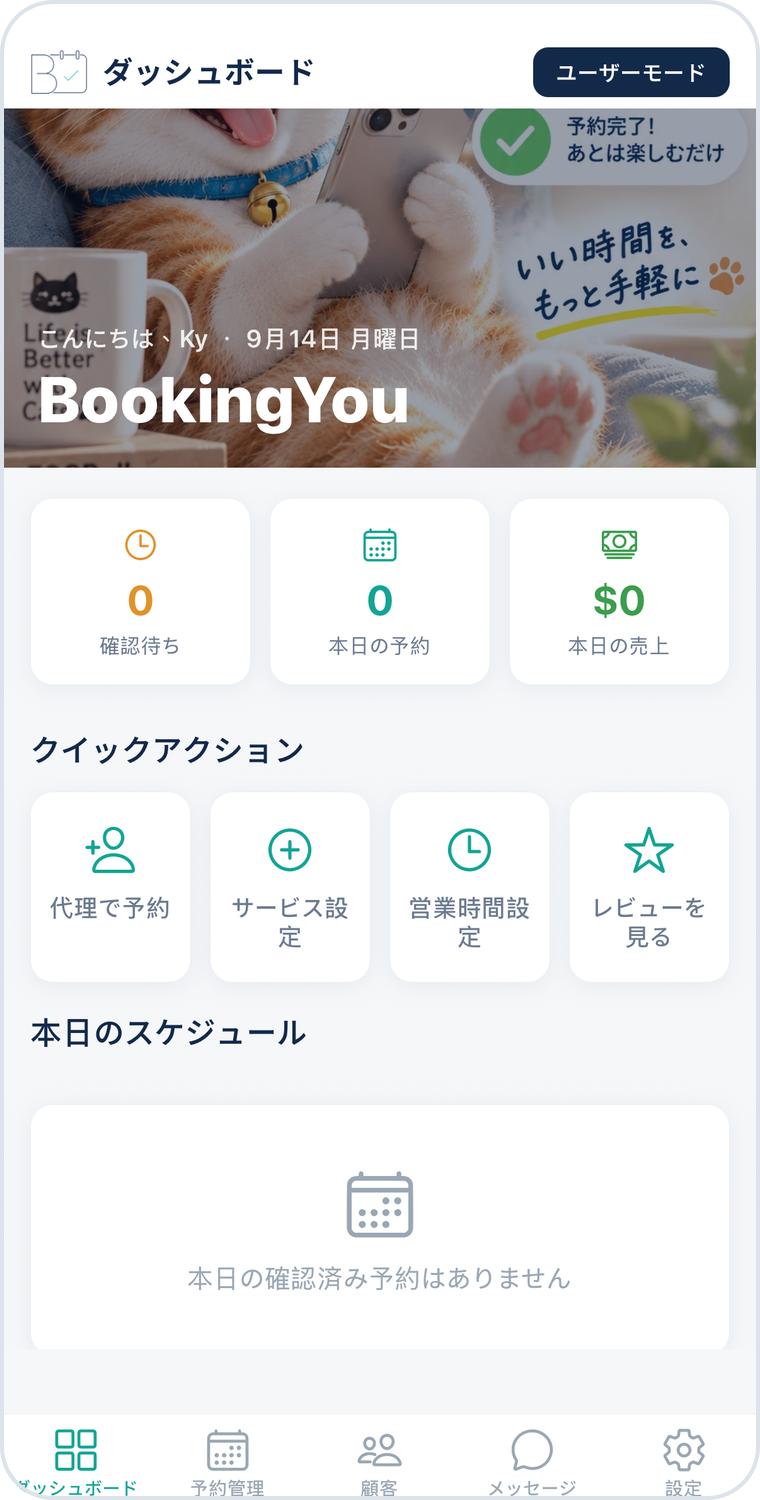
Open the pending tab in the booking list and check the client, session type, time and notes.
Compare the request with confirmed sessions in the calendar and allow for travel and rest. Check numbers and the actual venue for group sessions too.
Use the confirmed list to welcome clients. Reschedule by changing the booking time, then mark the session completed so you can refer to it later.
45 minutes
State the location, who it is suitable for and what to bring.
60 minutes
Open bookings around the coach’s actual teaching availability.
60 minutes
Set capacity to match what you can deliver. A slot’s capacity does not automatically assign a venue.
Service names and durations above are setup examples, not industry standards or real shop details. Adjust them to allow for the service, preparation and cleaning.
This page describes choosing a time for each booking, not automatically creating a recurring timetable. Coaches can arrange regular clients one session at a time on agreed dates and check each booking.
A completed booking status only means the session is finished. This page does not promise package deductions or membership billing. Handle course and payment records through your existing process.
Set capacity and available slots for the service; the exact workflow depends on the merchant’s settings. The coach still needs to confirm the venue, equipment and teaching arrangements.
Download BookingYou, register your business, add services, set opening hours and share your booking link. Free core features, with no booking commission.