
You do not know whether removal is needed
Offer “plain colour” and “removal + plain colour” separately. Ask customers to describe their current nails in the notes and check the details before confirming.
A customer books plain colour, then arrives needing removal and an intricate design. It is a familiar challenge for nail studios. Make the scope clear when customers choose a service, and review notes before confirming so the schedule reflects the work involved.
Free core features · No commission · iOS / Android

Nail studios
Offer “plain colour” and “removal + plain colour” separately. Ask customers to describe their current nails in the notes and check the details before confirming.
Set durations to match each service’s complexity. Discuss designs you cannot yet time with the customer before confirming, rather than using the shortest slot.
Put your booking link in your Instagram bio so customers can see services and availability themselves. Review requests between appointments.
Reschedule the same booking so the calendar shows the latest plan. Add phone bookings too, reducing the need for separate records.
01 / Customer bookings
Open the studio’s link, read the descriptions and durations, then choose plain colour, a service including removal, or a design consultation.
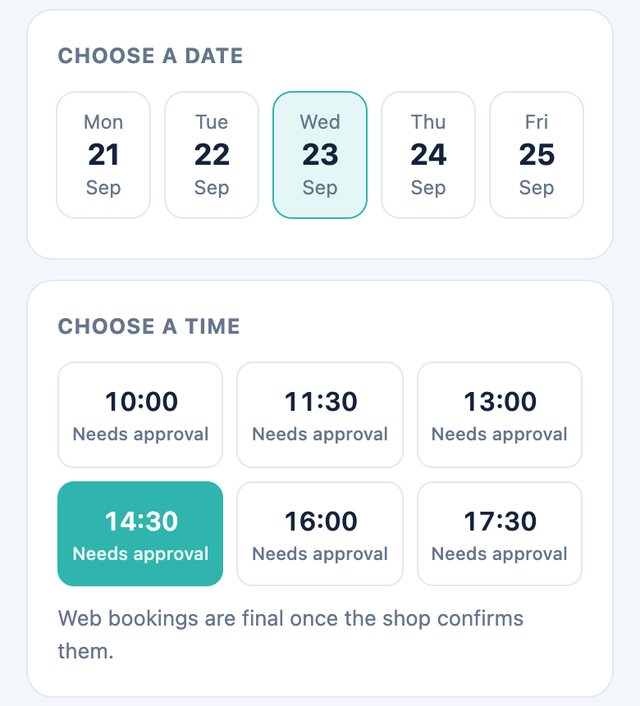
Choose an available date and time, enter a name and phone number, and note whether there is existing gel and what kind of design is wanted.
Wait for the studio to confirm after submitting. If a design photo is needed, send it separately using the studio’s contact method, then check the booking status.
02 / Merchant management
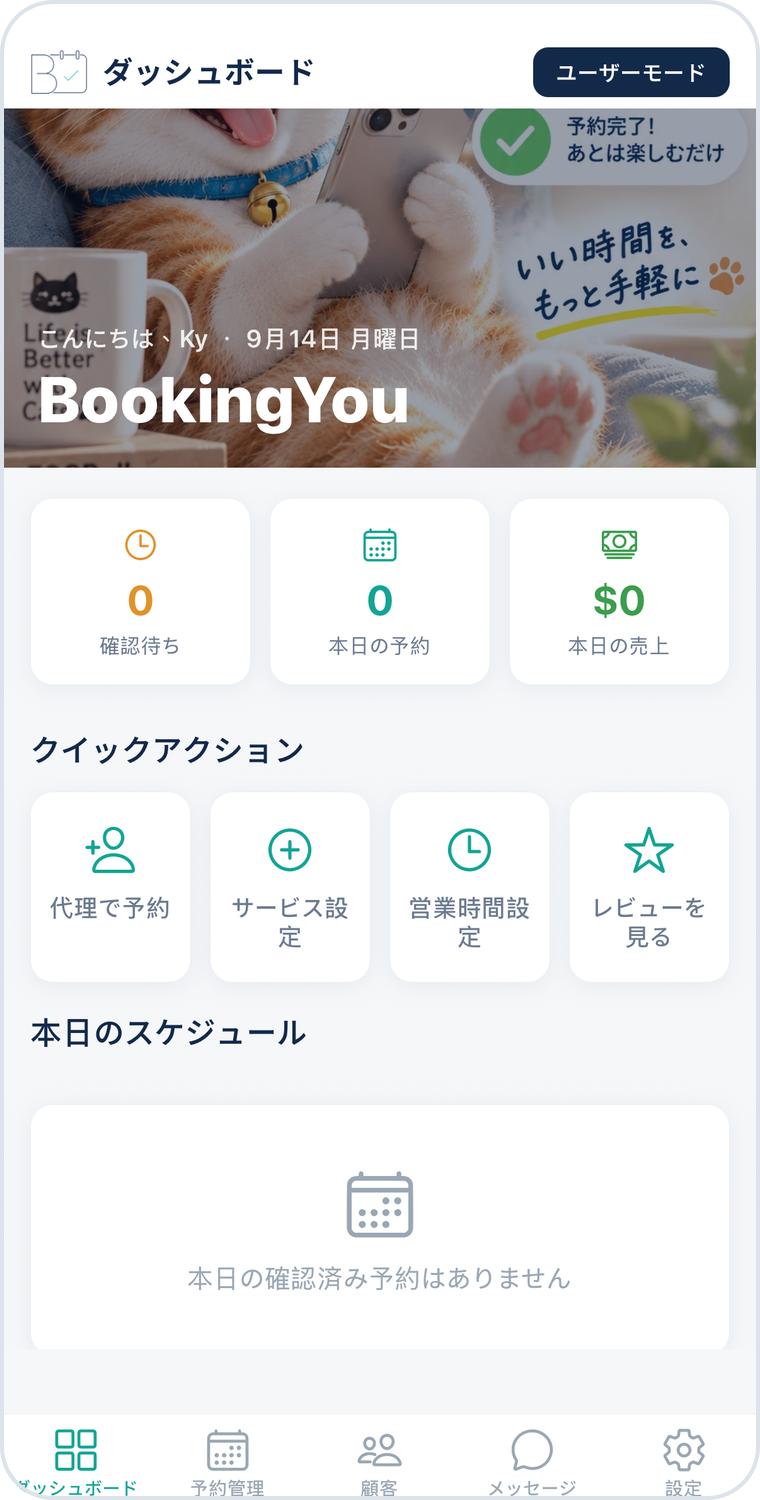
In the merchant booking list, review the selected service, time and notes to identify removal or design requirements first.
Contact the customer when more detail is needed, then check the service and availability before confirming. Set aside time for cleaning tools and breaks too.
Check the appointments before and after each booking in the calendar. Reschedule if needed and mark the service completed afterwards.
60 minutes
State whether shaping and basic care are included.
90 minutes
Include removal time in the service so customers can choose more accurately.
30 minutes
For intricate art or extensions, understand the request before arranging the full service.
Service names and durations above are setup examples, not industry standards or real shop details. Adjust them to allow for the service, preparation and cleaning.
This workflow shows a customer choosing one service. Create common combinations such as “removal + plain colour” as separate services; do not assume add-on durations are added automatically.
This web workflow currently uses a name, phone number and text notes. Send design photos separately through the studio’s chosen contact method and agree the design before arranging the time.
The booking workflow described here does not include collecting payments. The studio and customer arrange payments or deposits separately and should make the terms clear in the service description.
Download BookingYou, register your business, add services, set opening hours and share your booking link. Free core features, with no booking commission.