
“Bath” tells you nothing about size or coat until arrival
State who each service is suitable for. Ask owners to note the pet’s type, size and requested service, then check the details before confirming.
Bathing and trimming time depends on size, coat and the pet’s condition. Let owners select a service and leave basic notes, then have the groomer check the time and reception arrangements instead of fitting every pet into the same slot.
Free core features · No commission · iOS / Android
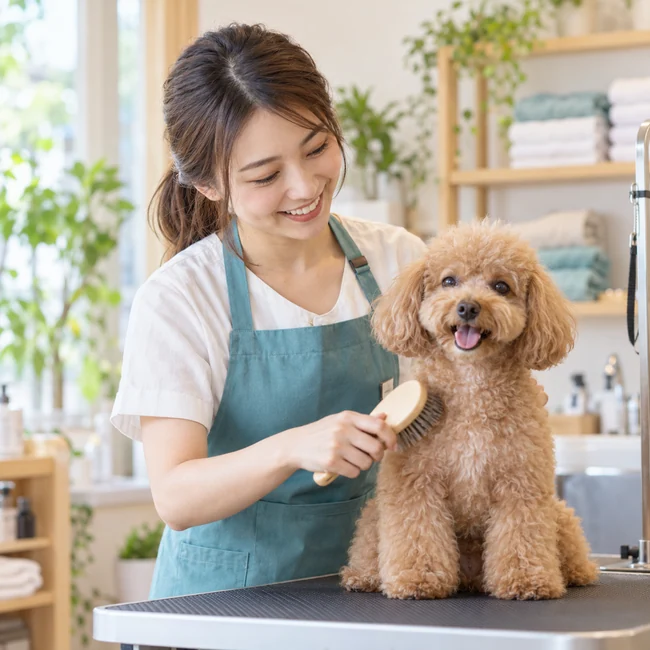
Pet grooming
State who each service is suitable for. Ask owners to note the pet’s type, size and requested service, then check the details before confirming.
Set different durations for different service scopes. Contact the owner first when assessment is needed rather than estimating from the shortest slot.
Offer a link and QR code so owners can submit a request themselves. Groomers can review pending requests together during a suitable break.
Agree drop-off and collection details when confirming. Allow cleaning, preparation and handover time rather than treating a booking’s start time as a collection promise.
01 / Customer bookings
Open the shop’s link and check suitability, details, duration and price before choosing bathing, trimming or a consultation.
Choose a slot and enter a name and phone number. Notes can include the pet’s name, type, size and service needs to help the shop follow up.
Keep the personal booking link to check its status. Follow the shop’s confirmed instructions for drop-off, collection and anything to prepare.
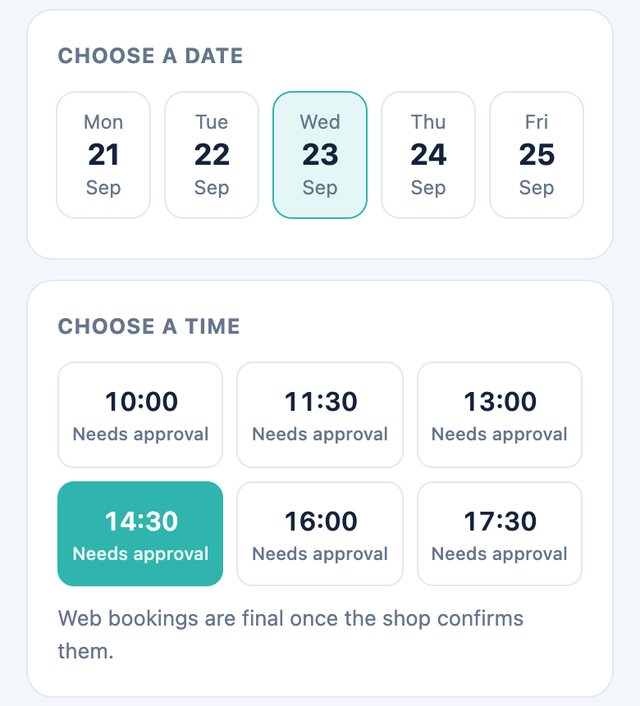
02 / Merchant management
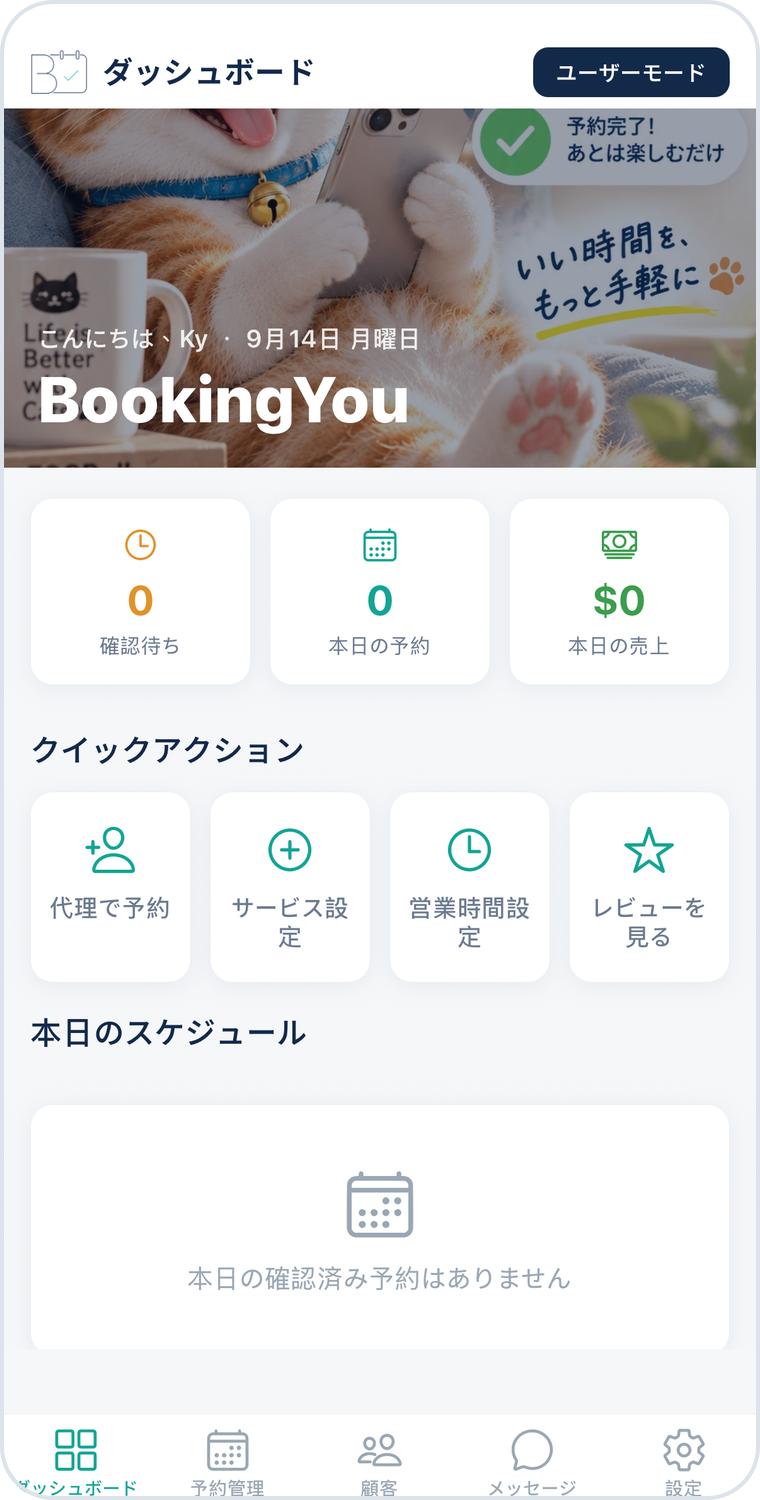
In the pending tab, check the owner’s contact details, service, time and notes to understand the preparation needed.
Contact the owner if anything is unclear. Confirm service time, capacity and handover arrangements before approving the booking.
Check today’s appointments in the calendar or confirmed list. Reschedule changes and mark the booking completed after the service.
60 minutes
State the size range and included services. The shop confirms the final arrangements.
120 minutes
Confirm the time needed based on coat, style and actual requirements.
30 minutes
When duration cannot be estimated ahead of time, discuss the needs before arranging the full service.
Service names and durations above are setup examples, not industry standards or real shop details. Adjust them to allow for the service, preparation and cleaning.
In this workflow, merchants set service durations. Time is not estimated automatically from breed, coat or matting. Speak with the owner before confirming whenever you need more detail.
Do not treat a general party-size field as a pet count. For several pets, contact the shop first so the merchant can confirm services, time slots and whether separate bookings are needed.
This page describes pet bathing and grooming schedules. It does not provide diagnosis, medical records or medical triage. Contact a qualified veterinarian directly about pet health concerns.
Download BookingYou, register your business, add services, set opening hours and share your booking link. Free core features, with no booking commission.