These are some common appointment-based industries. BookingYou also supports a wide range of businesses that need scheduled appointments, helping independent shops and professional services of different sizes manage bookings flexibly.
Start with everyday bookings, then explore the details you need.
01
Calls and messages interrupt every service
Let customers book themselves, 24/7
Share your own link or QR code so customers can choose the service, date and time.
Customers can view slots and submit a request at any time. Web bookings require merchant confirmation.
02
Bookings are split across WhatsApp, Instagram, calls and paper
Bring every channel into one calendar
Add online, phone and walk-in bookings to one place managed by the business.
Reschedule without losing the booking record
The business or customer can change the time without rebuilding the entire booking.
03
Manual reminders are easy to forget
Send booking reminders automatically
Keep the date and time clear for customers without messaging every person by hand.
04
Busy slots need approval; quiet slots do not
Choose confirmation rules by time slot
In-app bookings follow the time slot’s instant-confirmation or merchant-approval setting. Web bookings always require merchant confirmation.
Explore booking rules
Block time around real operations
Close holidays, breaks and reserved periods, then offer only times you can actually serve.
For example: Tuesday at 3pm is usually easy to fit in, so it confirms instantly. Saturday evening is your busiest slot, so it waits for your approval. Same shop, different rules by hour.
05
Group sessions are easily overbooked
Set a capacity for every session
Define the limit for each class, event or service and stop bookings when it is full.
06
Customer history lives in someone’s memory
Keep customer and booking records together
Review previous information when needed and give returning customers a more consistent experience.
INSIDE THE APP
Explore every screen, from finding a shop to managing bookings.
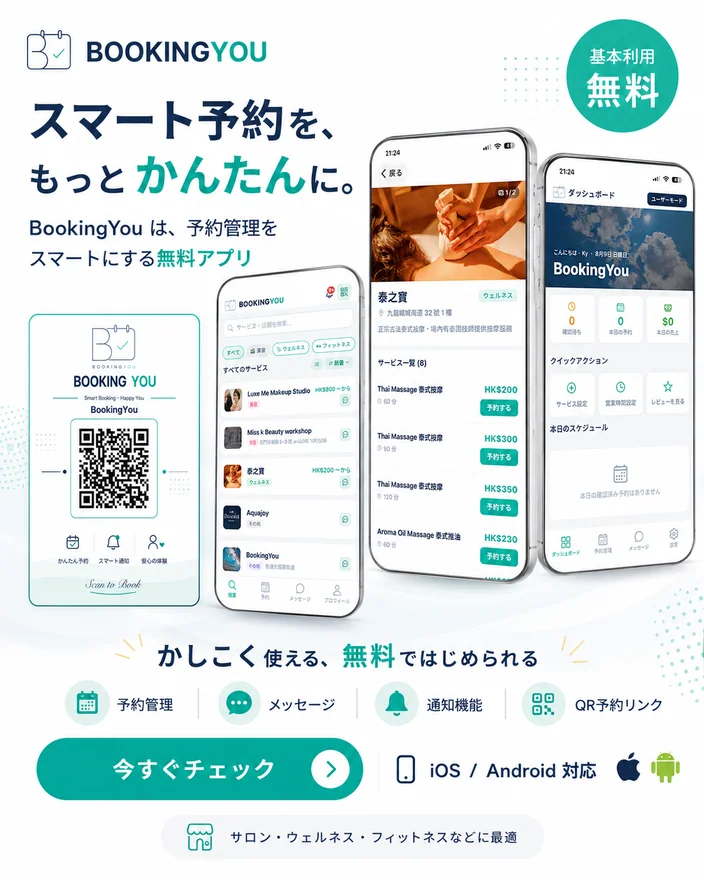
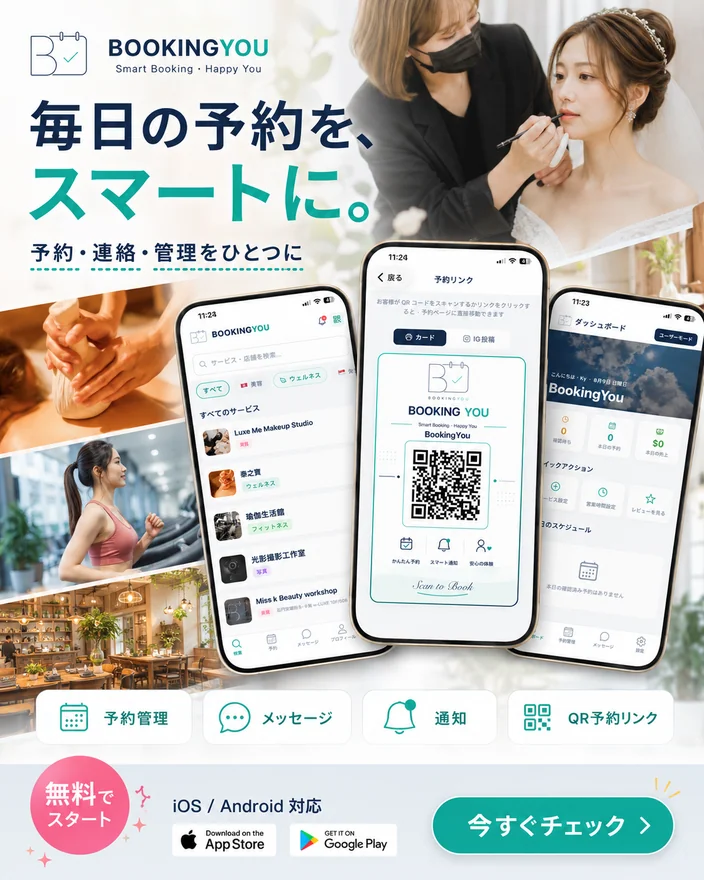
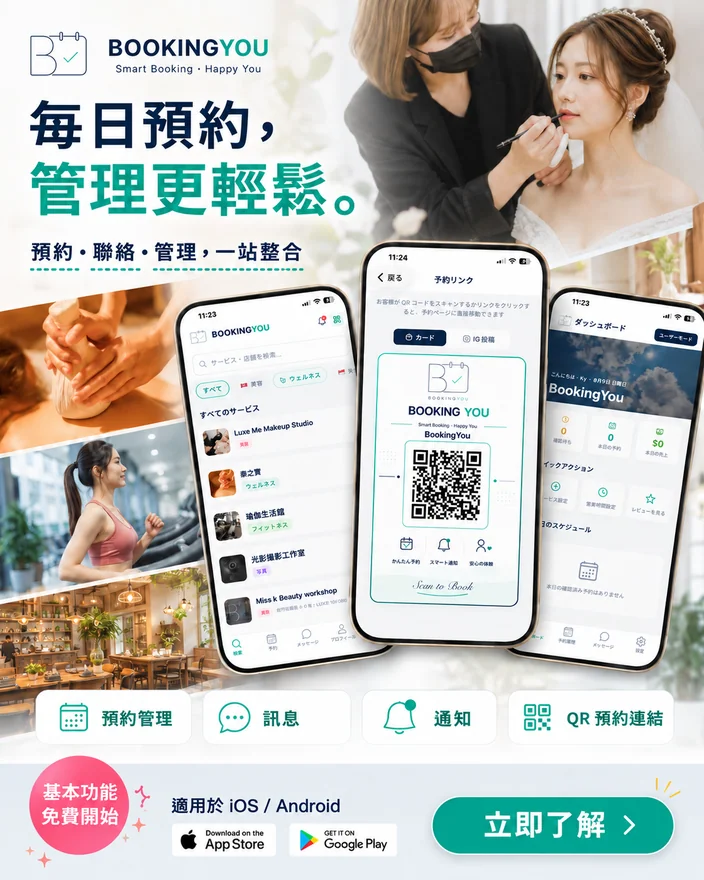
Explore BookingYou app visuals: find services, choose a time and share a booking link. Tap an image to see the details.
App promotional screens; shops, dates and amounts are examples. Refer to the app you are using for the current interface. Original App screenshots and promotional images retain their original language; the web-booking guide below uses English screenshots.
Web booking · New
Book in your browser — no app needed
Got a shop’s BookingYou link or QR code? Open it in any browser, on your phone or computer, and book right there. No download and no account.
1
Open the shop’s linkTap the BookingYou link the shop shares on Instagram, a messaging app or its website, or scan the QR card at the counter. The booking page opens in your browser.
2
Choose a serviceEach service shows its duration and price. Pick the one you want.
3
Pick a date and timeOnly times that are still free are shown, in the shop’s local time. Closed days are greyed out.
4
Enter your name and phoneThat’s all the shop needs. A note is optional. No sign-up.
5
Send it and wait for the shopWeb bookings are confirmed by the shop. After you submit, you get your own booking link — save it to check the status or cancel later.
Good to know
There is no account, so your booking link is your key. Save it and don’t share it.
Once the shop confirms, the status on your booking link changes from “Waiting for the shop” to “Confirmed”.
Some shops take bookings in the app only. The page says so straight away and gives you a button to open the app.
Want reminders, chat with the shop and all your bookings in one place? Get the app.
For shops
Share your booking link or QR card from the app and customers can book on the web right away. Every web booking waits for your confirmation, and you can choose to take bookings in the app only.
Screens show the live web booking page of our demo shop.
Pricing
Core features free forever; Pro is planned
0CommissionCustomers pay the shop directly
FreeCore booking management features
8languagesInterface language
Free, permanently
Core
Booking page and QR card
Calendar, walk-in bookings, rescheduling
Reminders and approval rules
No monthly fee for core features
No payment handling: customers pay the shop directly, so there is no commission and no money in transit.
Pro is not available yet; pricing is undecided
FAQ
Questions you may have
Are the core features really free?
Core features such as booking pages, calendars, bookings on behalf of customers, rescheduling, reminders and approval rules are free. Pro is still planned, not yet available, and its pricing has not been set.
Do customers have to download the app?
No. Customers can use your shared link or QR code to submit a booking in their browser. Individual shops may choose to accept in-app bookings only.
Are web bookings confirmed automatically?
Web bookings always require the shop’s confirmation. In-app bookings can use instant confirmation or merchant approval, depending on the time slot.
Can I enter a booking for a customer myself?
Yes. Phone and walk-in bookings go into the same calendar as online ones, and they count in your statistics and customer records.
What if a customer needs a different time?
Both sides can reschedule without cancelling, so the original booking stays intact and your numbers stay honest.
Do you take a commission or hold my money?
No. Customers pay your shop directly. We never handle the money, so there is no commission.
I already list on a booking portal. Can I still use this?
Yes. Portals bring new customers; BookingYou runs every booking including your regulars. They work side by side.
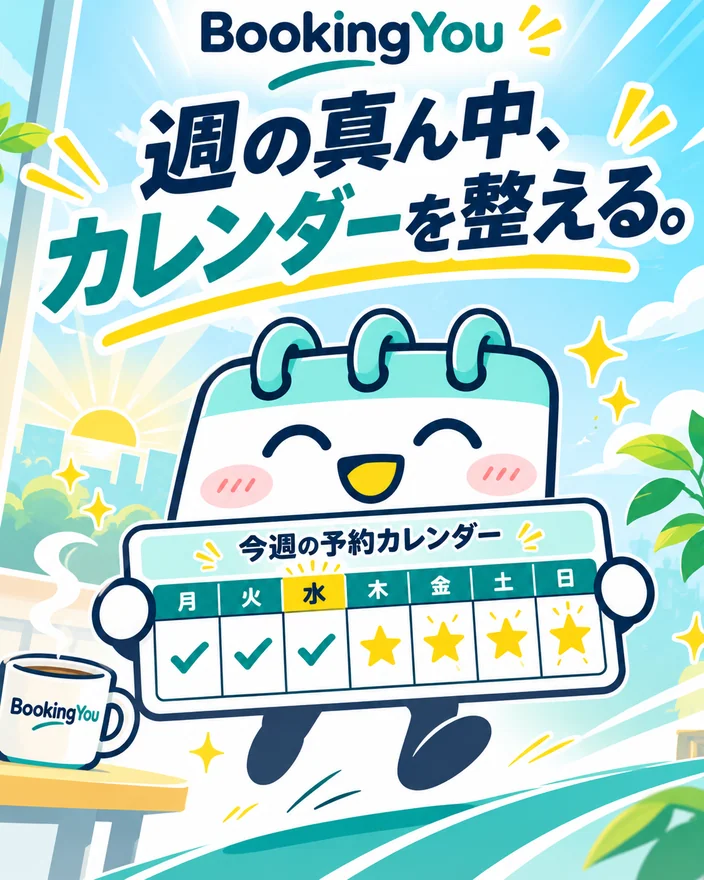
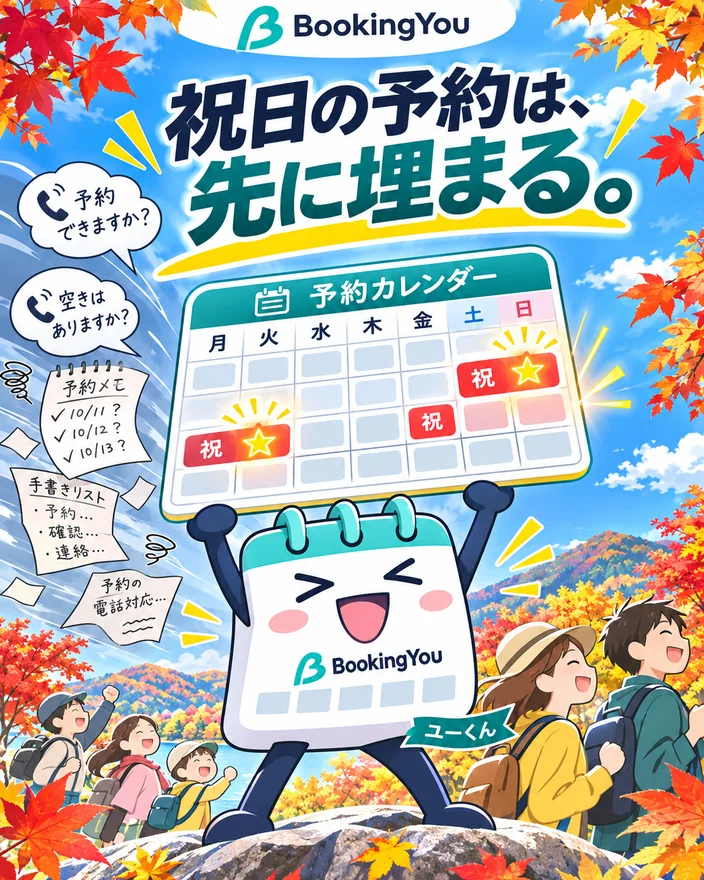
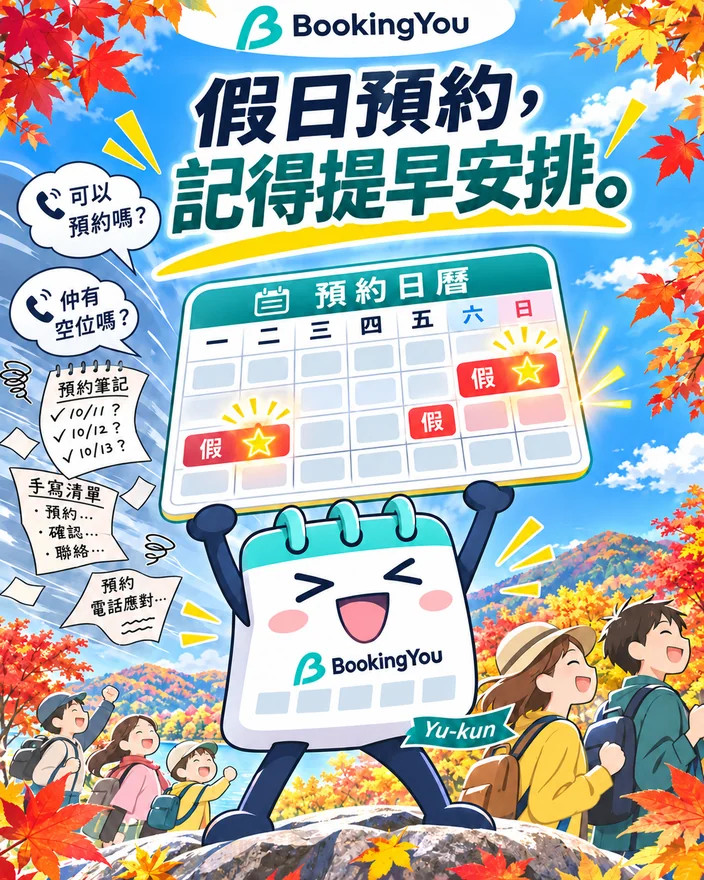
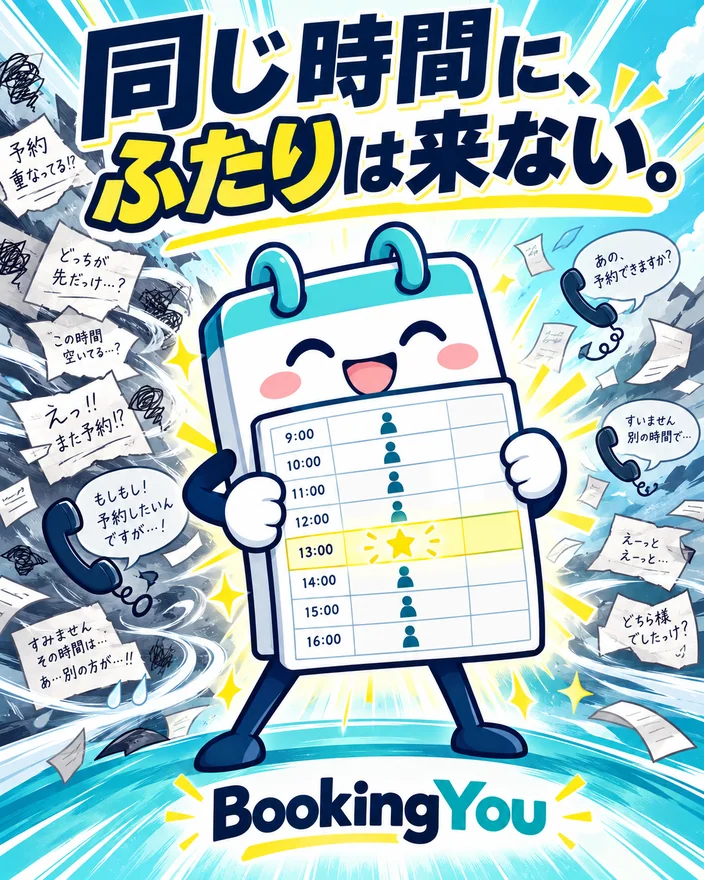
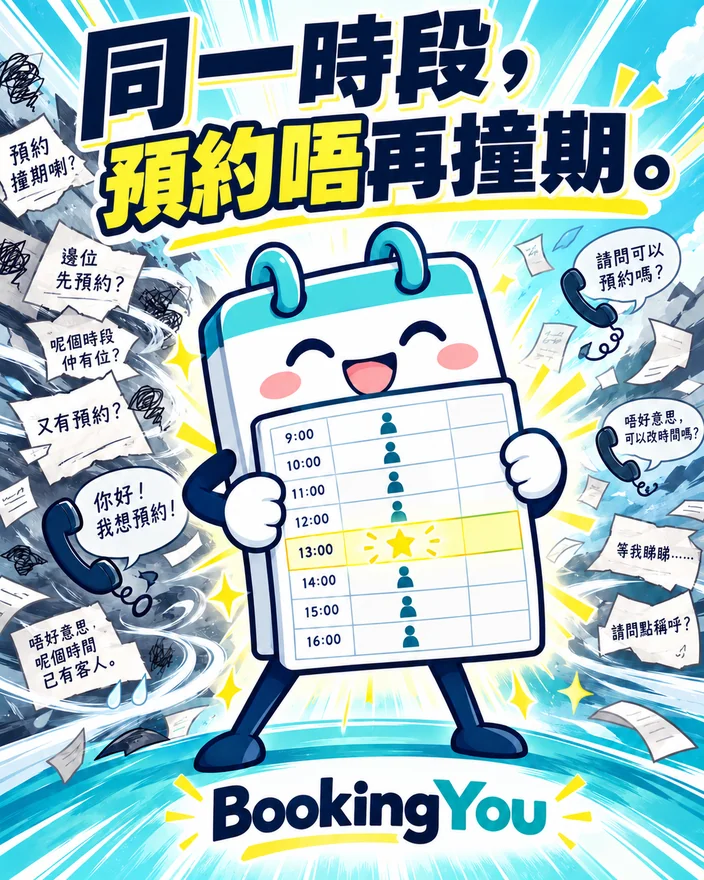
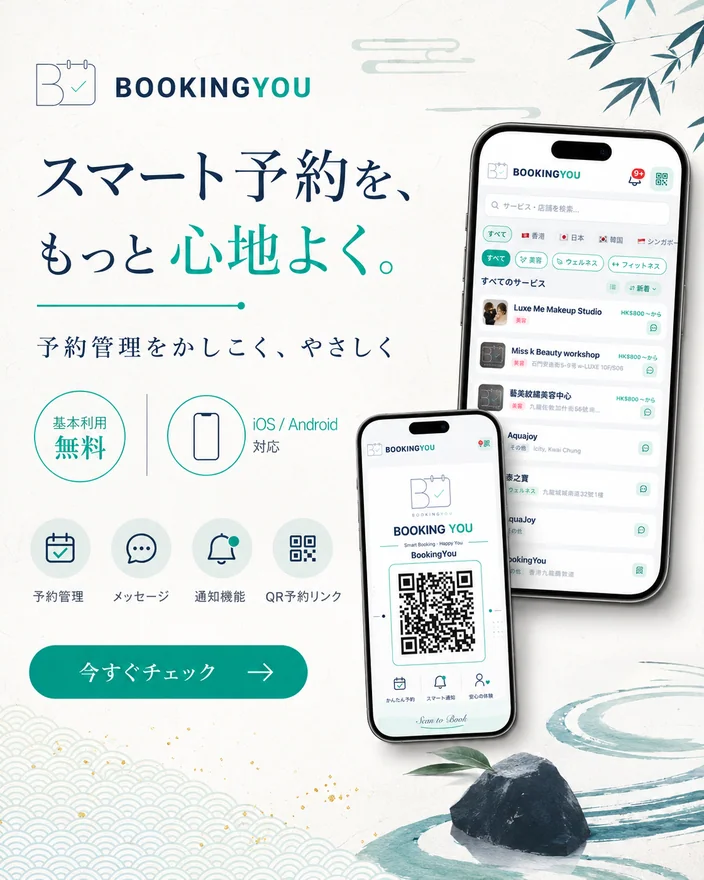
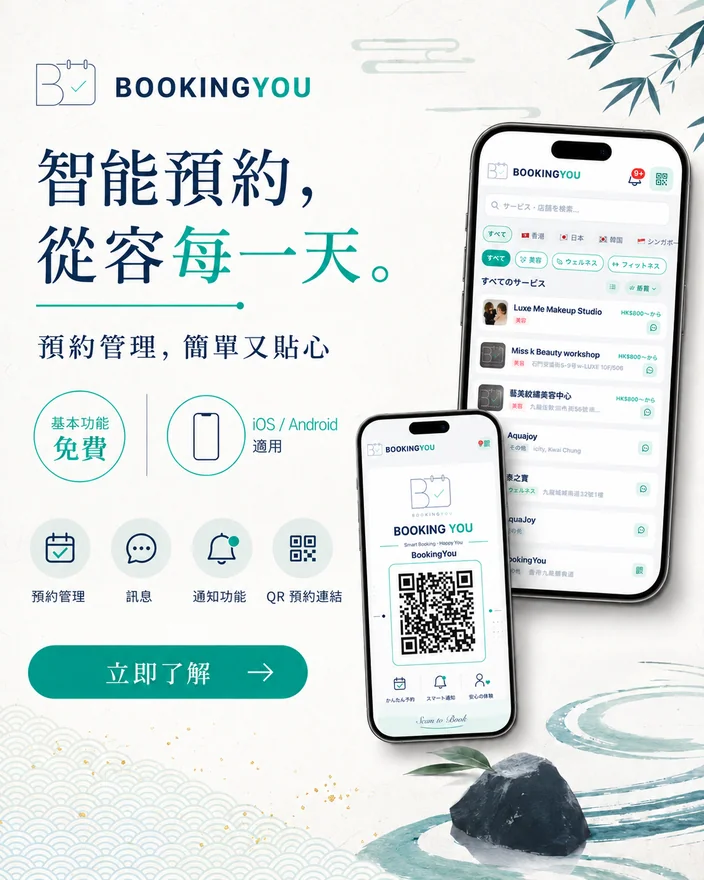
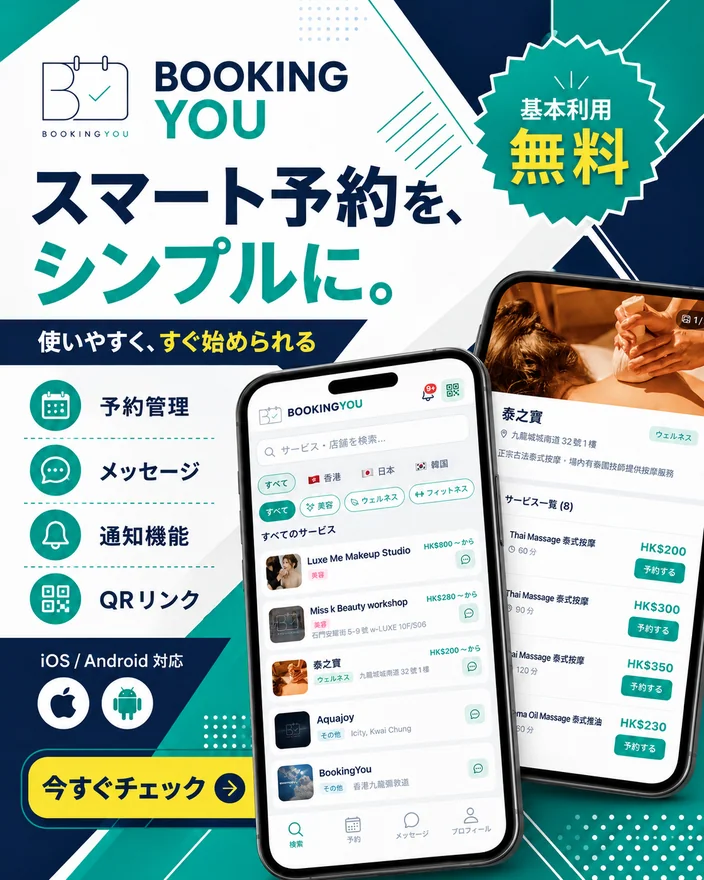
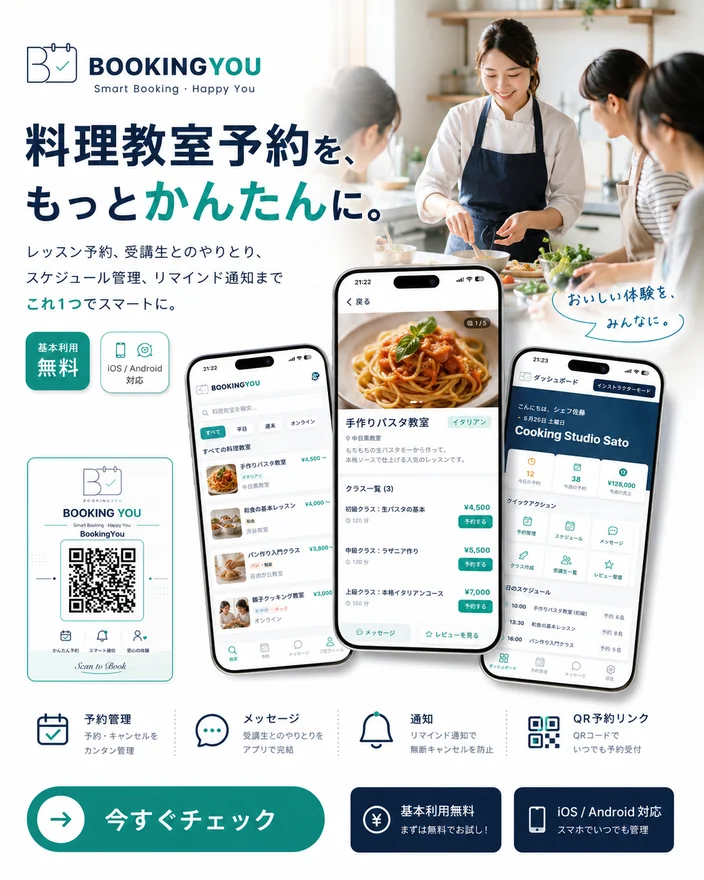
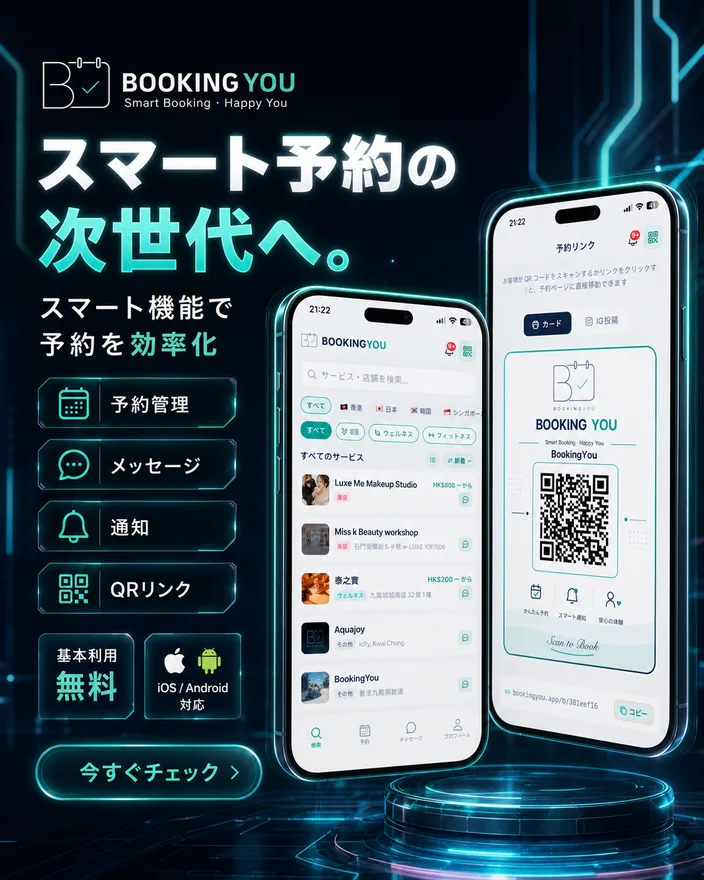
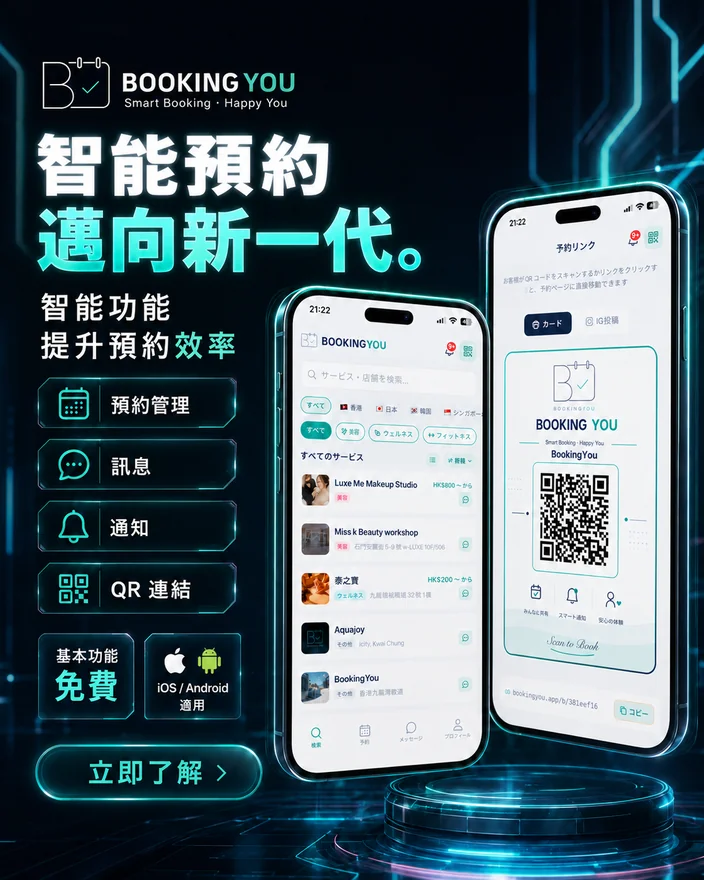
Explore 140 social images featuring booking guides, features and shop life from different regions. Filter by language and tap any image to see it in full.
Original post images are shown here. Visit our official social accounts for the original posts, comments and latest updates.
Brand
Ready-made materials for your shop
Printable QR cards and social posts come with the app — no designer needed.
Merchant and customer overview
Three-step booking
QR booking link
Social platforms
Follow BookingYou where you already are
New features, how-to tips and booking ideas for every kind of business — shared on social first.














Follow BookingYou where you already are
New features, how-to tips and booking ideas for every kind of business — shared on social first.
Our accounts are currently in Japanese. More regions are on the way.
Platform names and logos are trademarks of their respective owners.